the library
explore wikipedia articles like floors in a floor plan. stairs take you to the closest links, lifts let you explore topics to jump further away in one go.
- 1
- take a stair to an article this one links to. 1 is the closest
- L
- take a lift to a topic this article is part of: open one, then pick a floor
- B
- go back the way you came
- R
- a random lobby: start somewhere new
- /
- search: start from a topic you choose. ⌘K works too
- J
- the journey you’re on: the card opens up into the floors below it, and beside it every floor you’ve been on, to go straight back to
- H
- your history, kept in this browser: ↑ ↓ to choose a journey, enter to pick it up, delete to remove it
- Y
- your stats
- F
- favourite the journey you’re on, or the one chosen in your history
- S
- share where you are: a link to this floor and the way you came
- T
- show more of the article
- W
- read it on wikipedia
- M
- sound on or off
- ,
- settings
every article’s text is from wikipedia, under CC BY-SA 4.0, and its photo from wikimedia commons, under its own free licence. “read on wikipedia” goes to each one’s source and authors.
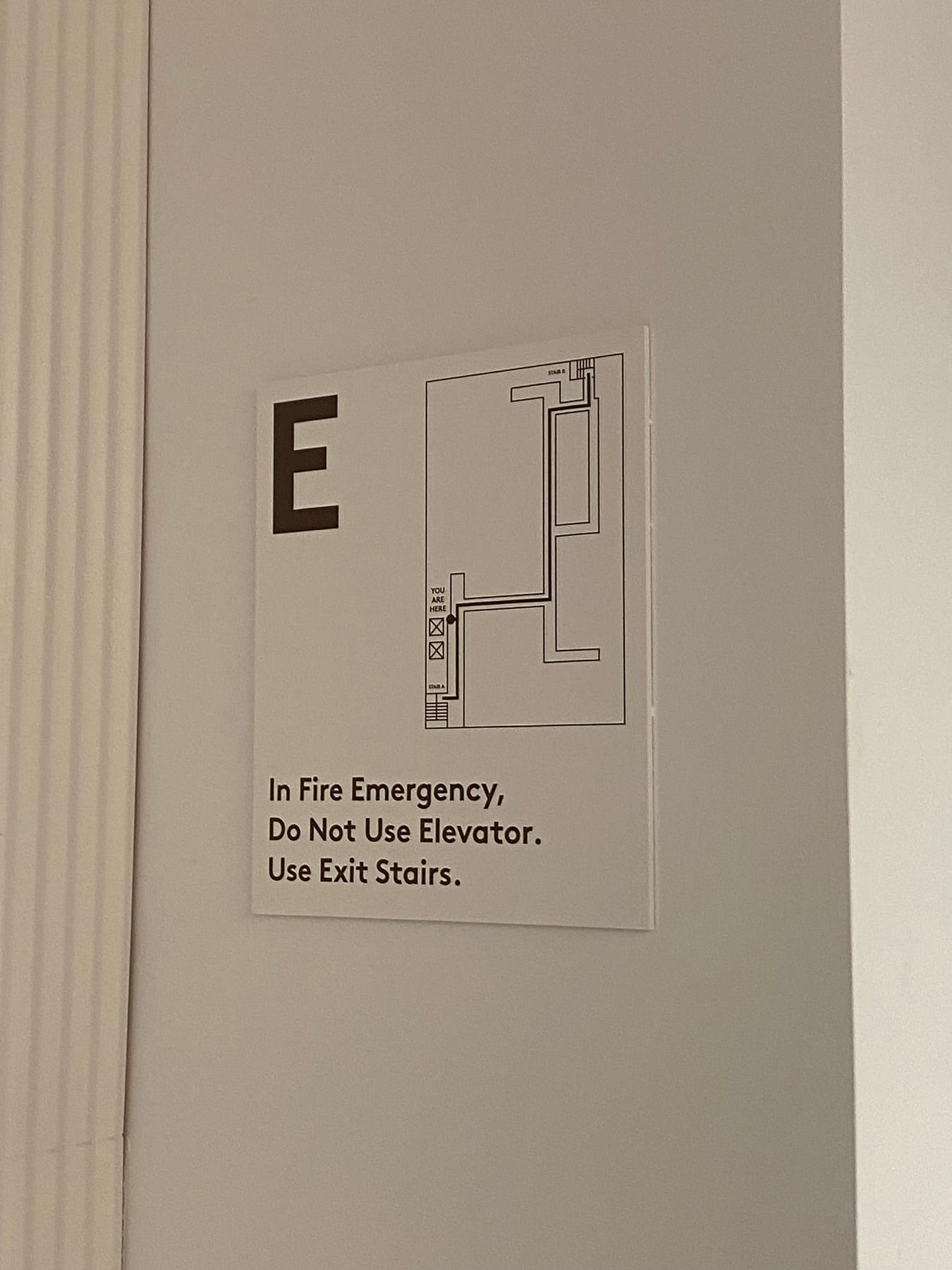
saw this sign in the office and knew i wanted to play with the visual design, tried a few experiments and landed on this.
see how it got here →